
Single Sign On (SSO)
Single Sign-On (SSO)
Single Sign-On (SSO) functionality for enterprise customers is available to access Reimbi through a single authentication source. This allows IT administrators to better manage team access and keeps information more secure. SSO is only used for staff account users. It has no impact on your requesters/candidates.
Reimbi uses SAML (Security Assertion Markup Language), a standard that permits identity managers to safely pass authorization credentials to service providers like Reimbi.
Supported identity providers
Reimbi supports SAML-based SSO with the following identity providers. Choose yours below for step-by-step setup instructions.
- Okta
- Microsoft Entra
- Ping Identity
- Custom SAML provider — for any SAML-compliant Identity Provider not listed above
How SSO setup works
Regardless of provider, setting up SSO in Reimbi generally involves:
- Creating a new SAML application in your Identity Provider and uploading the Reimbi logo and metadata.
- Configuring the Integrations page in Reimbi Company Settings with your Identity Provider's metadata.
- Setting default permissions for new staff users under Company Settings.
See your provider's guide above for the exact steps and screenshots.
Using SSO Login
Initial Login Process
New users must initiate their first Reimbi login through their identity provider — typically by launching the Reimbi application from the identity provider's dashboard or application portal — rather than logging in directly.
Direct Login Process
For subsequent logins, users can:
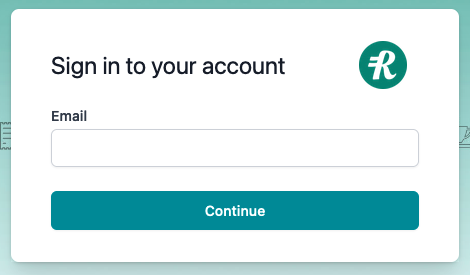
- Go directly to the Reimbi login page: https://app.reimbi.com/account/login/
- Enter their email address
- Be automatically redirected to their identity provider for authentication
Note: Staff users will appear on the Staff accounts page in Reimbi after their initial login. After the initial login, staff users can continue to login via their identity provider or login directly to Reimbi.